Buy me a coffee (opens new window) DE · Deutsch

Markdown reader · version 1.2 · Mac · Windows · Linux

Markdown,
set like a book.

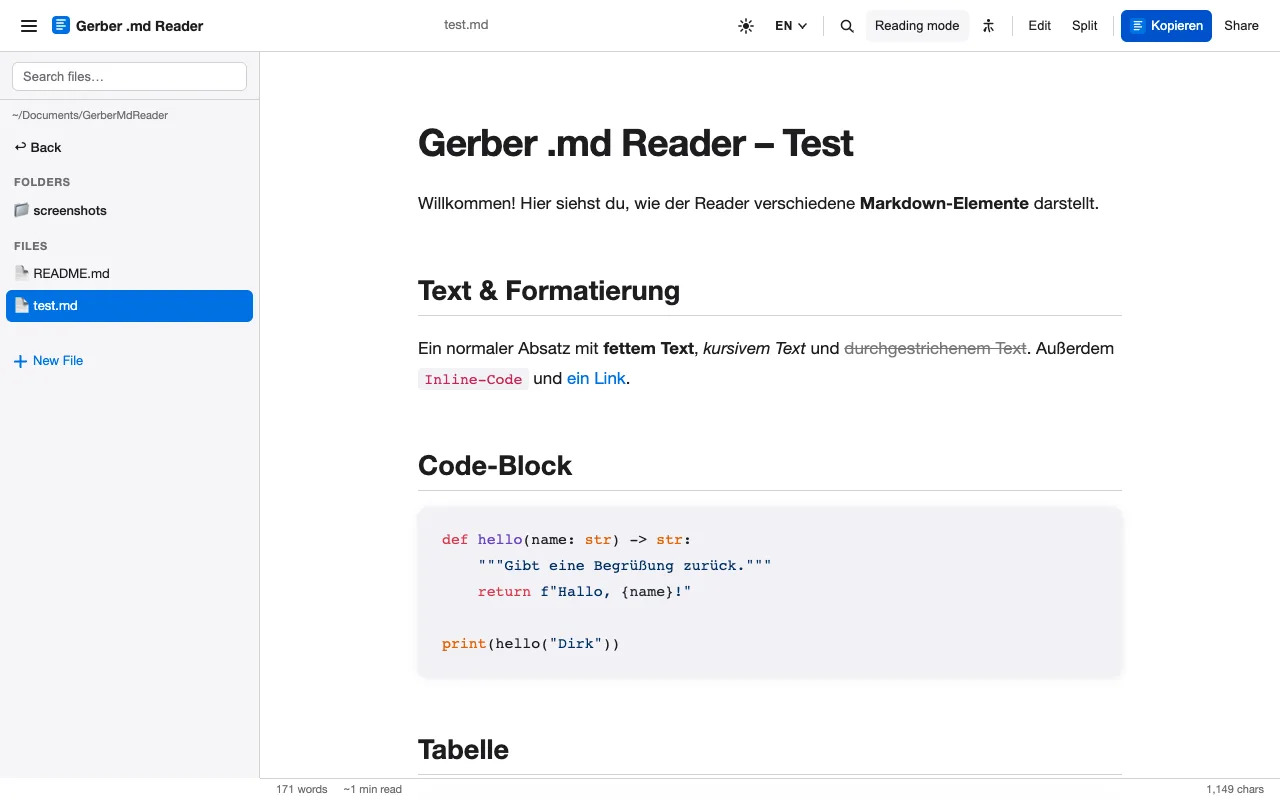
Hash signs, asterisks and hyphens are meant for writing. For reading you want headings, emphasis and a calm measure. The Gerber .md Reader opens your Markdown files and sets them as a clean, readable document, right on your own computer.

Request a copyTry the reading demo

At a glance

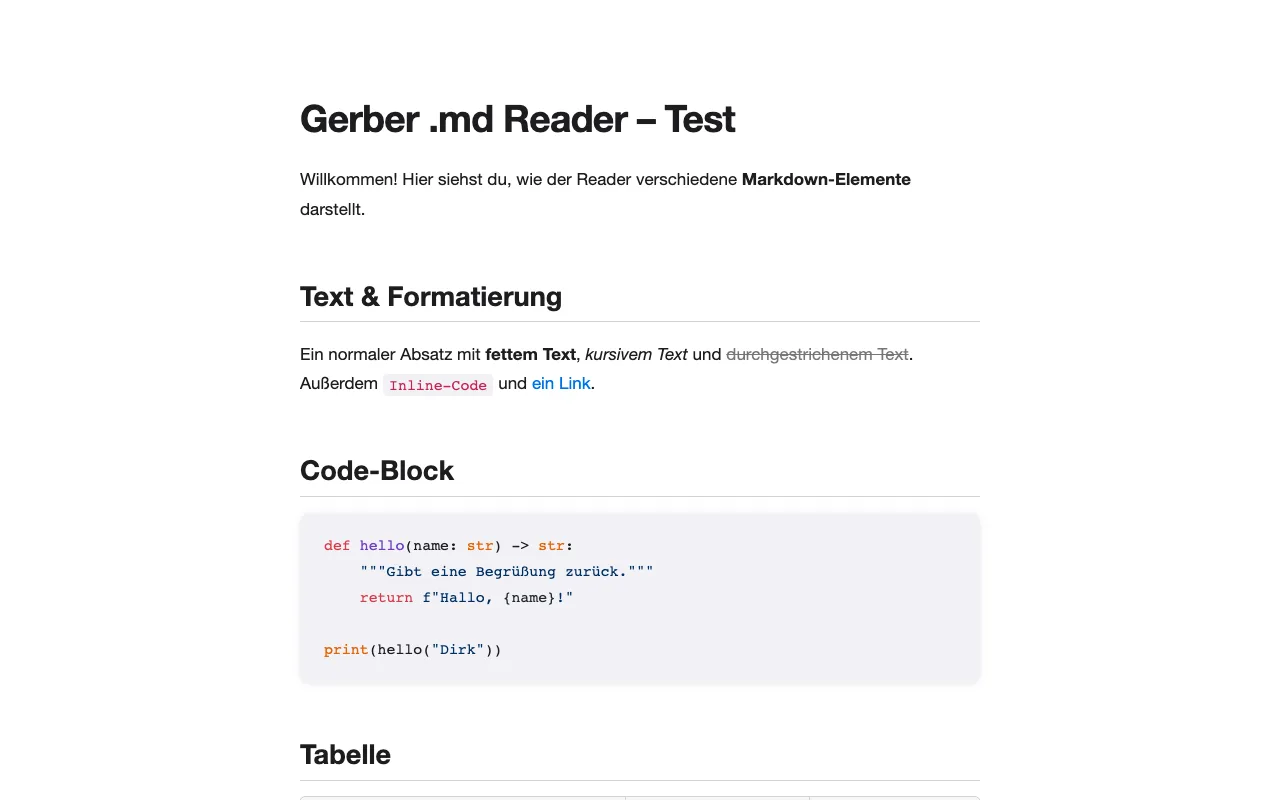
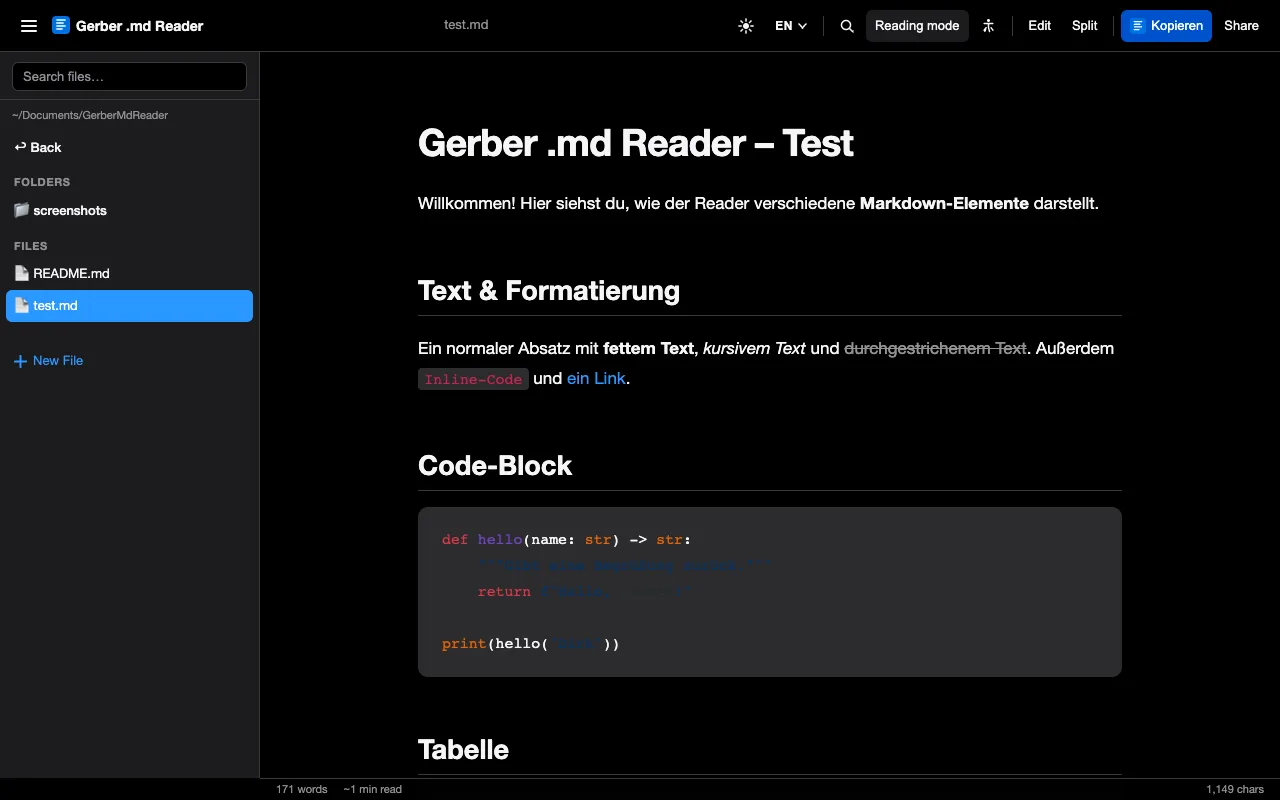
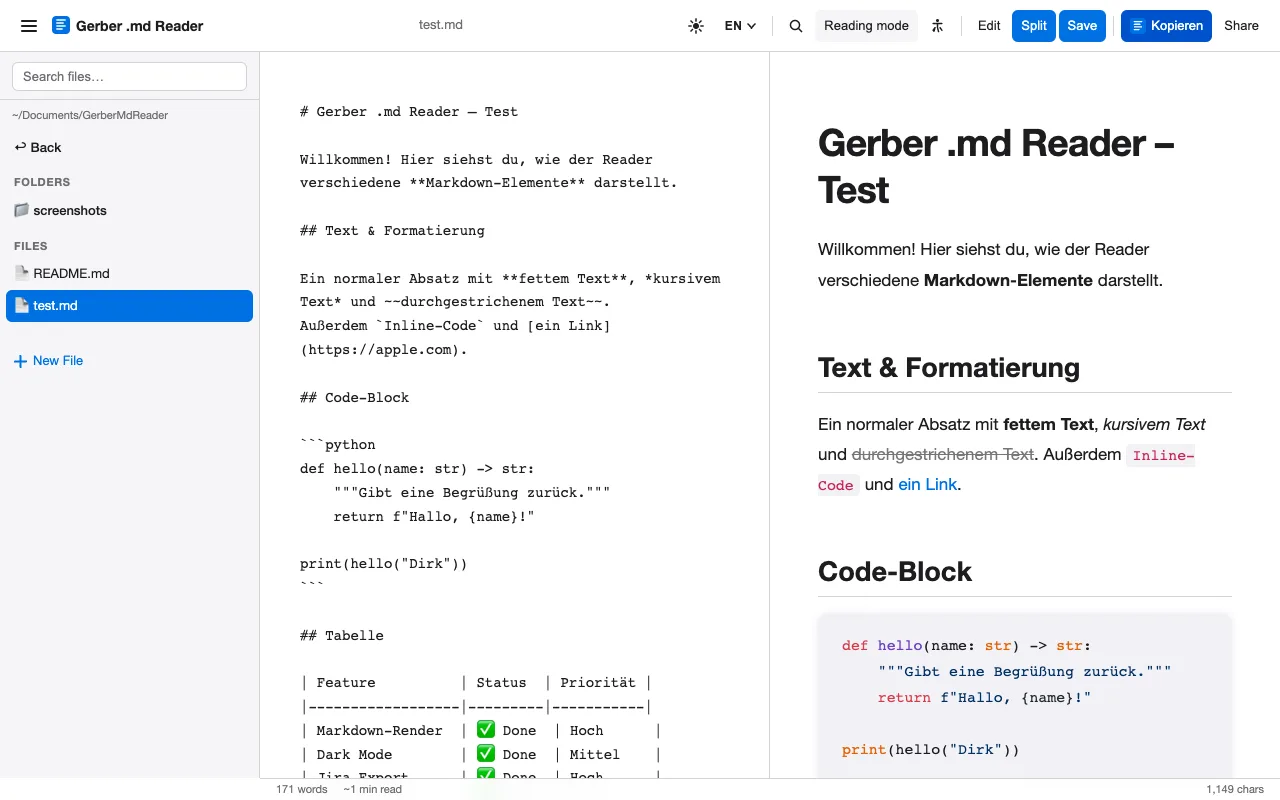
The Gerber .md Reader is a local Markdown reader for macOS, Windows and Linux by Gerber.Media. It is a single Python file that needs nothing but Python 3, runs in your browser at localhost:8777 and only reads files in your home folder. It offers a distraction-free reading mode with sepia, paper and night themes, editing with a live split view, search, a table of contents, accessibility options and a user interface in 15 languages.

Runs on
macOS, Windows, Linux
Needs
Python 3.6 or newer
Version
1.2
Your data
stays on your computer, no telemetry
Availability
on request

Read a sample

This is the reading mode in miniature. Choose a page colour, switch on the reading ruler or make the type bigger.

  • Paper bright and neutral, for daytime
  • Sepia warm ground for long evenings
  • Night light type on dark, glare-free
  • Ruler a guide line that follows the pointer

Why read Markdown typeset?

Markdown is written for people, yet it is usually read as raw source: hash signs, asterisks, hyphens. The reader turns those signs back into what they mean, headings, emphasis, lists and tables, and gives the text a line length that is easy on the eye.

Long documents get a table of contents of their own, a progress bar and an estimate of the reading time. Switch to sepia for a warm evening page, or to night when the room is dark.

In the app

Contents

Reading

  • Tables, code with syntax highlighting, images, task lists, quotes
  • Reading mode (⌘⇧R) with table of contents and options at the screen edges
  • Colour schemes: standard, sepia, paper and night
  • Progress bar, word count and reading time

Writing

  • Edit mode (⌘E) right in the browser
  • Split view: editor and live preview side by side
  • Save (⌘S) straight into the original file
  • Create new files

Finding

  • File browser with folder navigation and a live filter
  • Search in the document (⌘F) with highlighted hits
  • Open files by drag & drop, command line or URL
  • Reveal in Finder or Explorer

Sharing

  • Copy as Jira wiki markup for Jira and Confluence
  • Export as a self-contained HTML file
  • Copy the Markdown source or a link
  • Print or save as PDF

Accessibility

  • Large type: 21 px with a line height of 1.9
  • OpenDyslexic, a dyslexia-friendly typeface
  • High contrast and no animations
  • Focus mode and reading ruler

Speaks 15 languages

The interface follows your browser language and can be switched at any time. Arabic is shown right to left.

  • Deutsch
  • English
  • Français
  • 中文
  • Español
  • Українська
  • Italiano
  • Português
  • 日本語
  • 한국어
  • Nederlands
  • Polski
  • Русский
  • Türkçe
  • العربية

Keyboard shortcuts

Shortcuts on Mac and on Windows or Linux
ActionMacWindows / Linux
Edit mode⌘ECtrl+E
Save⌘SCtrl+S
Search⌘FCtrl+F
Reading mode⌘⇧RCtrl+Shift+R
Accessibility⌘⇧ACtrl+Shift+A

How to get it

The reader is not published as open source yet. Write to me and I’ll send you the package with the installer for your system.

  • macOS

    Installer package (.pkg) that puts the app into Applications.

  • Windows

    Setup wizard with desktop and start menu shortcuts and an uninstaller.

  • Linux

    Install script without sudo: app menu entry, icon, .md file type and the md-reader command.

Request a copy
hello@gerber.media

Questions

Does the reader send my files anywhere?

No. It runs as a small server on localhost:8777 that is not reachable from outside, only reads files inside your home folder and has no telemetry. On first start it loads the libraries for Markdown rendering and syntax highlighting from a CDN, so an internet connection is needed once.

What do I need to run it?

Python 3.6 or newer, which is usually already installed on a Mac. Everything else is in a single file. Installers exist for macOS, Windows and Linux.

Can I edit files, too?

Yes. Edit mode and the split view let you write Markdown with a live preview and save straight into the original file.

Which languages does it speak?

German, English, French, Chinese, Spanish, Ukrainian, Italian, Portuguese, Japanese, Korean, Dutch, Polish, Russian, Turkish and Arabic, including right-to-left layout.

How much does it cost?

Ask me. Write to hello@gerber.media and tell me which system you use.